
This area contains the record button and dropped frames counter.
The record button contains indicators of the recording time and size of the information being recorded. In the preview mode the button is light gray and only the time indicator is visible.
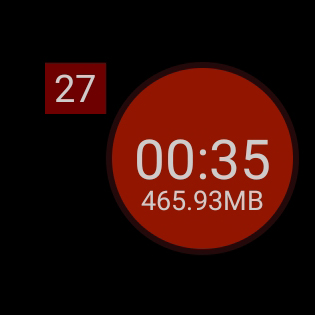
When recording, the button is highlighted in red, the timer starts counting the time, and the recorded information size indicator appears below it.
The counter of dropped frames counts the frames that are not in the video.
Drops of frames depend on many parameters, but mainly on the load. Too high a load, too sudden scene changes, uncontrolled activity of background processes - all these can influence the number of frames dropped out.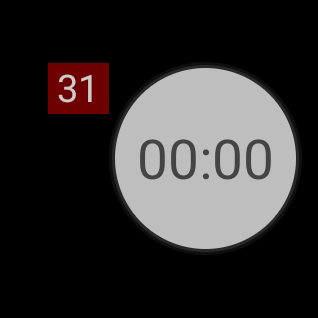
The dropped frames counter is not reset after the recording ends, so that the operator can determine the level of damage.